What is secure print release?
Secure print release ensures that printouts cannot be viewed by unauthorized persons. The user must release the print job before it is output by the device. It is also commonly referred to as: Pull-Printing, Follow-Me Printing, Secure Print Release or Find-Me Printing. Depending on the manufacturer, a different term may be used. Some are even registered trademarks, such as FollowMe by Ringdale.
How is this implemented?
There are various ways to implement this technically. The most common solution, which I would like to discuss here, is to have a server on the local network. We will discuss all other solutions in another article, as they would otherwise go beyond the scope of this one.
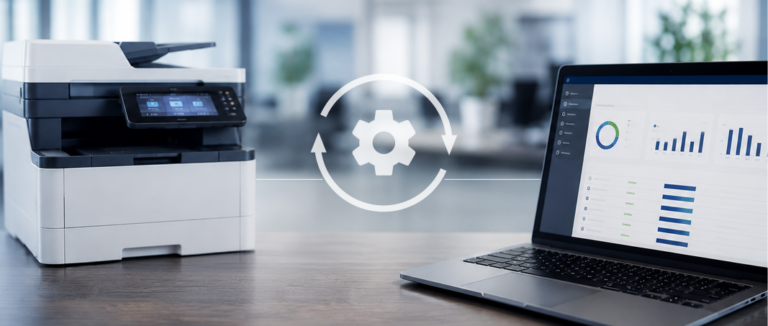
All print queues are set up on the local server and the relevant solution is installed. Since we support several manufacturers, I will not go into detail here about how this is done. The installed solution then provides a virtual print queue that holds the print job on the server until the user releases the printout at the printer.
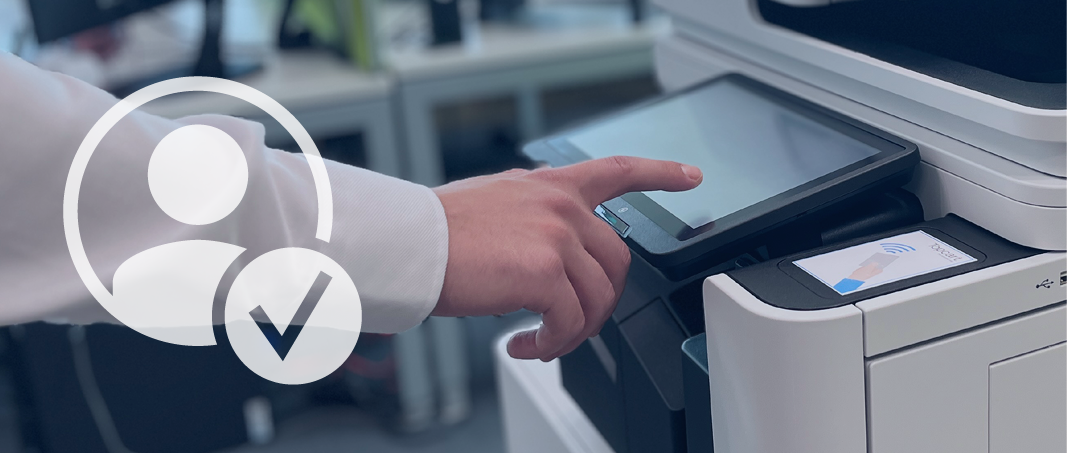
This brings us to the second part of the solution. Software is also installed on the printers on which you want to use this feature. This locks the printer and requires the user to log in. Only after the user has logged in at the printer can they release the printout on that printer.

Personal analysis
What exactly does your current situation look like?
Philipp Mayer will take a close look at your printer environment and review your current situation with you—free of charge and without obligation.
What benefits does this offer?
- Support with data protection, as confidential printouts are not left unattended at the printer
- Savings on uncollected printouts, as they are automatically deleted after a defined period
- Savings on printing costs, as printouts are less expensive on centralized printers
- Time savings when deploying printer drivers, as I only have one virtual print queue instead of many individual queues that have to be assigned to users
- No more printouts sent to printers accidentally selected by mistake
- Logging in at the printer provides additional benefits, for example when setting up scans
- Reduced workload for IT through centralized management of print jobs
Good to know:
To save costs, the trend is toward consolidating printers: moving away from individual desktop printers and toward centralized printers.
Conclusion
When customers use centralized printers, they should definitely use a secure print release solution.
Frequently asked questions
Are all printers supported by such a solution?
Depending on the solution provider and the printer’s features, not all printers are supported.
Is it technically difficult to implement such a solution?
No, as your service provider, we take care of setting up the solution and the individual printers. Subsequent operation by IT is quite straightforward.