Many small tasks add up.
Managing a printer fleet—usually the responsibility of IT—involves many individual tasks. They often arise on the side and frequently precisely when you actually have no time for them at all…
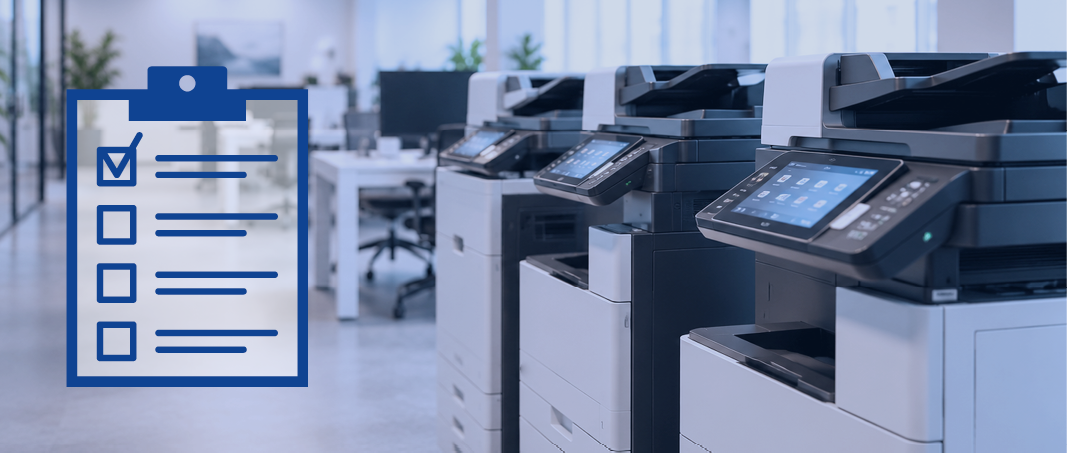
These tasks include, for example:
- Checking toner levels
- Re-ordering consumables
- Recording and forwarding malfunctions
- Recording meter readings
- Maintaining device information
- or preparing analyses
Viewed individually, none of these tasks takes particularly long. But taken together, they add up to quite a few working hours over the course of a year.
When 10 printers become 50.
With every additional device, the management effort for the IT team increases. When there are also different manufacturers and models, things can become quite complex. With such a “mixed device landscape,” information about the individual printers often has to be compiled from different sources.
And naturally, with more devices, the number of user reports also increases. Empty toner, paper problems or technical malfunctions. For IT, this often means a few extra steps every day to check the devices.
Some tasks are still often carried out manually.
A typical example: toner. An employee notices that the cartridge in the printer is almost empty. They report the low toner level to IT (or the responsible department). The required toner is then checked. New toner is ordered and the delivery is monitored. If the company has several printers, this process is repeated again and again.
In fact, some of these steps can be completely automated!

Personal analysis
What exactly does your current situation look like?
Philipp Mayer will take a close look at your printer fleet and review your current situation with you—free of charge and without obligation.
What a modern printer manager can take care of.
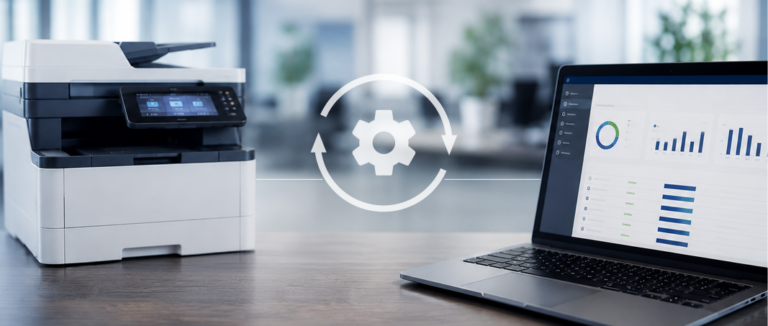
Centralized software for the entire printer fleet can automatically record and monitor the most important device data. For example:
- Overview of all fill levels
- Display of page counts
- Report malfunctions
- Analyse consumption data
- or manage device information
With software like this, nothing has to be checked manually. The responsible employee can conveniently manage the printers from their desk. All information is centralized in ONE location.
Good to know:
Not every minute spent on administrative work is immediately noticeable. The many small tasks involved in managing a printer fleet in particular add up to a significant amount of time over the course of a year.
Conclusion
A printer fleet—regardless of its size—does not automatically have to mean additional administrative work for IT. If tasks and processes are well organized and some are even automated, individual procedures can be reduced from several minutes to just a few seconds. This relieves the pressure on IT and employees—and leaves more time for more important tasks.
A modern and clever printer manager like me is the perfect support here! I help centrally manage your printers and automate a few unpopular, time-consuming tasks.
Frequently asked questions
What is printer management?
Printer management (also known as Print Management) is the centralized control and monitoring of a company’s entire printer infrastructure. All network devices and their current information are read and displayed to users in an overview (fill levels, malfunctions, etc.).
How can I conveniently keep track of toner levels with printer management?
Good printer management displays all devices, including their toner levels, at a glance. Once a certain preset fill level is reached, some systems can automatically re-order toner.
Does printer fleet management also work with devices from different manufacturers?
This is possible, but it varies from one management system to another. Some can only read devices from one manufacturer, while others work independently of the manufacturer.